A subscriber who bought a coffee grinder last week doesn’t need the same email as someone who downloaded a beginner’s brewing guide yesterday. One may want help getting better results from a purchase; the other may still be deciding what to buy. Sending both a generic “shop our bestsellers” campaign is easy, but it misses what you already know about them.
That’s the useful idea behind email list segmentation: group subscribers when a meaningful difference between them calls for a different message, timing, or offer. The goal isn’t to build the most detailed audience model your email platform allows. It’s to make a few better sending decisions—and check whether those decisions improve results.
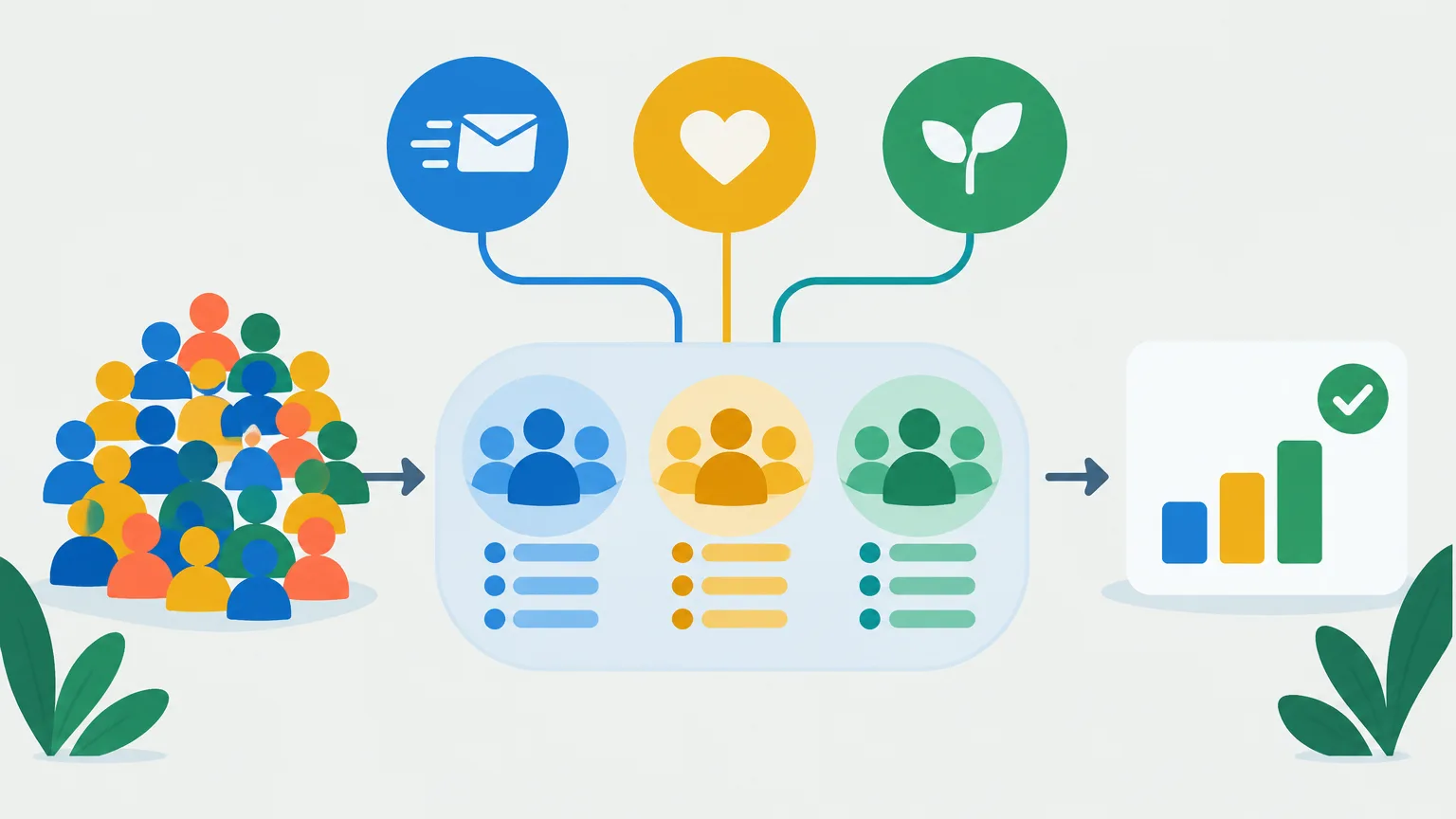
Start with the message you would change
Before creating a segment, finish this sentence: “We should send these people something different because…” If you can’t name the difference, you probably don’t need a separate group.
Consider a retailer planning an accessories campaign. Recent buyers of a particular camera might benefit from a setup guide followed by compatible accessories. Subscribers who have browsed cameras but haven’t purchased might need a comparison guide. The distinction changes the content, so it earns a place in the plan.
By contrast, splitting those shoppers into six age brackets adds work without an obvious benefit unless age reliably changes what you’ll recommend. A useful segment has three parts: a clear rule for membership, a message that differs from the default campaign, and a result you can measure.
Build groups from three kinds of information
Behavior, stated preferences, and lifecycle stage each answer a different question. You can use one alone or combine two when the combination changes the campaign.
| Signal | Practical segment | What you might send |
|---|---|---|
| Behavior | Subscribers who clicked a guide to a product category but haven’t purchased | A comparison, buying guide, or relevant product selection |
| Stated preference | Subscribers who chose “vegetarian recipes” at signup | Recipes and products that match that choice |
| Lifecycle stage | Customers who made their first purchase recently | Getting-started help, care instructions, or a well-timed request for feedback |
Use behavior to spot interest, not to assume intent
Clicks, purchases, product views, and completed forms can show what a subscriber has done. They don’t tell you everything the person wants. Someone who clicks a product link may be curious, price-checking, or ready to buy. That makes “clicked the running-shoes guide in the last 30 days” a sound rule for sending more running-shoe content, but a weak basis for treating everyone in that group as ready for a discount.
Choose a time window that fits the decision. Interest in an upcoming event can fade quickly; a purchase category may stay useful much longer. Exclude people once the message stops making sense—for example, remove recent buyers from a first-purchase pitch. If your store or website data doesn’t reliably reach your email platform, fix that connection before building campaigns around it.
Ask for preferences you’ll actually use
A signup form or preference center can collect information behavior won’t reveal: topics, product interests, or how often someone wants to hear from you. In Mailchimp, for example, audience groups can collect subscriber-selected interests and preferences, which can then inform segments.
Keep the choices broad enough to sustain a stream of useful emails. “Home gardening” is easier to serve than a form with 20 narrowly defined plant interests if your team publishes only one gardening email a month. Give subscribers a way to update their choices, and don’t treat a blank preference field as a “no.” It may simply mean you never asked.
Preferences can also correct your assumptions. If a subscriber explicitly asks for beginner material, that’s a better guide to the next newsletter than your guess based on one advanced article they clicked.
Let lifecycle stage change the job of the email
Lifecycle groups reflect the subscriber’s relationship with your business: new subscriber, prospect, first-time buyer, repeat customer, or customer who hasn’t purchased in a while. Each stage suggests a different job. A welcome email should set expectations. A first-purchase email should help the customer use what they bought. A repeat-customer campaign can draw on what they’ve found valuable before.
Define these stages for your actual buying cycle. A 90-day gap might be notable for a weekly grocery service and unremarkable for a furniture store. “Lapsed customer” is only useful if your rule reflects when customers would normally return.
Keep marketing messages separate from essential service communications. A purchase receipt shouldn’t disappear because a customer no longer qualifies for a promotional segment.
Turn the idea into a reliable sending rule
A practical first segment might read: “Subscribed contacts who selected hiking gear as an interest, clicked a hiking article in the past 60 days, and haven’t bought hiking boots.” That rule combines a stated preference with a recent action while excluding people for whom the offer may be poorly timed.
Build and check one rule at a time:
- Write the audience and the intended email in plain English.
- Identify where each data field comes from and whether it’s dependable.
- Choose the time window and exclusions.
- Preview the resulting contacts, not just the count.
- Send a test message and confirm the right version reaches the right people.
The logic matters. “Interested in hiking and clicked a hiking article” is a narrower group than “interested in hiking or clicked a hiking article.” Mailchimp’s segment builder distinguishes between contacts who meet all conditions and those who meet any condition; whichever platform you use, check that its rules express what you meant. A surprisingly large or tiny audience is a reason to inspect the logic before you send.
For recurring campaigns, use a rule-based segment rather than repeatedly exporting a spreadsheet. In platforms that support dynamic segments, membership can change as contact data and activity change; Klaviyo’s segment documentation describes groups that grow and shrink as profiles meet or stop meeting their conditions. Check how your own platform updates membership, particularly for scheduled sends.
An automated email needs one more check: what causes someone to enter the sequence, and can they enter it again? A “newly qualifies” trigger is not necessarily the same thing as sending a campaign to everyone already in the segment. Klaviyo, for instance, distinguishes new entry from existing membership and documents separate re-entry settings. Test the trigger before relying on it for a welcome, replenishment, or win-back sequence.
Keep the number of segments under control
More groups mean more content versions, exclusions, quality checks, and chances to send an outdated message. Start with a few differences that affect the campaign you’re already planning: perhaps new subscribers, recent buyers, and subscribers with a clear interest in one major category.
There’s no fixed “correct” number. Keep a segment only if it is large enough to serve usefully, its data stays accurate, and the different treatment is worth producing. If two groups would receive nearly identical emails, combine them. If a group becomes too small to evaluate or too costly to write for, fold it into a broader campaign with a relevant content block.
Watch for overlap. A customer can be a recent buyer, a repeat buyer, and interested in running gear at the same time. Set a priority for time-sensitive messages and exclude people from conflicting campaigns when needed. It’s often better to send one helpful post-purchase email than three simultaneous campaigns that each qualify under a different rule.
Frequency deserves the same attention as content. A segment that generates more clicks per email may still be a poor choice if it sharply increases unsubscribes or sends too many messages to the same people.
Measure the improvement, not just the engagement
A segment can produce a higher click rate simply because it contains people who were already more interested. Comparing its results with a broad campaign sent to everyone else doesn’t prove that segmentation caused the improvement. The groups may differ before either email arrives.
Choose the outcome before sending. For a guide, that might be qualified visits to a product page. For an ecommerce campaign, it might be orders or revenue per recipient. For a trial onboarding email, it might be the action that shows a user got started. Track unsubscribes and spam complaints alongside the main goal.
Treat open rates cautiously. Apple Mail Privacy Protection can make reported opens unreliable, so an “engaged” segment built only from opens may include people who never read your message. Clicks and downstream actions usually tell you more, though no single metric gives the whole picture.
To test whether the message is better for a segment, randomly split eligible subscribers within that segment. Send one group the tailored version and the other a reasonable standard version at the same time. Keep the offer and other major factors consistent unless one of those is what you intend to test. An email A/B test can compare content versions within a selected segment.
Suppose 2,000 eligible subscribers are split evenly. The tailored email generates 38 purchases and the standard email generates 27. That’s encouraging, but it isn’t permission to declare a lasting win: look at order value, unsubscribes, the cost of producing the extra version, and whether the pattern holds in another send. Small groups can swing sharply from one campaign to the next.
If the question is whether sending the campaign creates sales that wouldn’t otherwise happen, use a different comparison: randomly hold back an eligible group from that promotional email, then compare purchasing over the same period. That tests the value of sending, rather than which version is stronger. Some platforms offer holdout tools for measuring incremental marketing results, but a large-program holdout feature isn’t required to think clearly about the distinction. Keep necessary service messages out of a promotional holdout.
Make relevance an ongoing decision
Review segments when buying patterns, content plans, or data sources change. A rule based on an old campaign click can quietly lose its meaning; a preference category can outlive your ability to serve it. Keep the groups that lead to better outcomes, revise those with mixed results, and retire those that don’t change what you send.
Respect the boundaries of the list while doing it. Segmentation doesn’t replace permission and suppression practices. U.S. commercial email must meet the FTC’s CAN-SPAM requirements for identification and opt-outs, and large senders to personal Gmail accounts have additional sender requirements, including one-click unsubscribe for marketing messages. A highly relevant email is still unwanted if the recipient has asked not to receive it.
The strongest segmentation plan is usually simple: use a trustworthy signal, change something the subscriber will notice, and compare the result with a sensible alternative. If a group doesn’t help you do all three, you don’t need to keep it.